The Base - Warehouse with Mechanical Claw
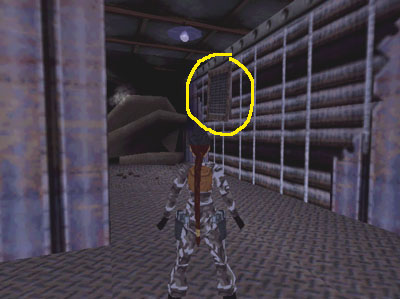
At the beginning of the level, Lara slides down a chute and lands in a dimly lit hallway. Turn right...
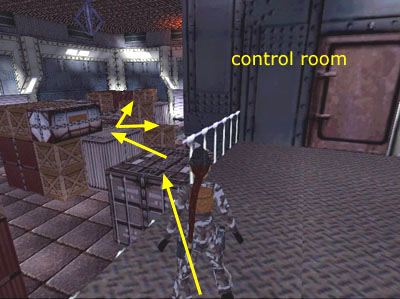
...and follow the stairs to the bottom.
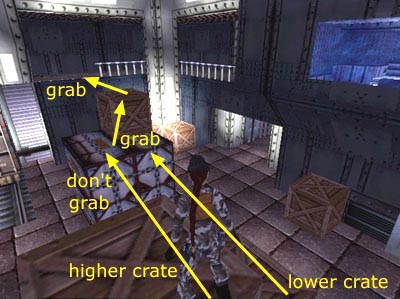
Step forward into a WAREHOUSE WITH STORAGE CRATES AND A MECHANICAL CLAW.
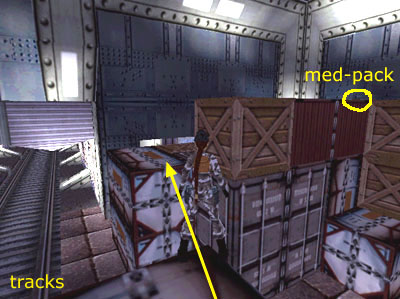
Cutscene: A short flythrough shows the layout of the room and the mechanical claw moving overhead. The camera then zooms in on the crane operator in a glassed-in control room.
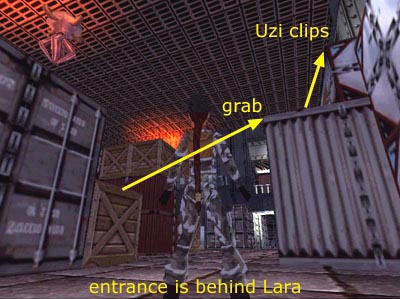
General notes on the behavior of the claw and the two related achievements/trophies are included in the main walkthrough. If you want them, save in a new slot, and do not overwrite this save until you unlock both.
This is not a speedrun, but you do need to move quickly when Lara is out in the open, so the claw doesn't zero in on her. Start by running/sprinting straight across the room to the doorway with the swipe-card lock below the balcony.
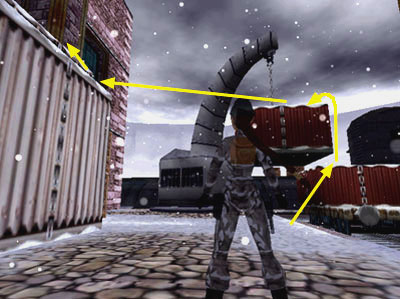
Lara is safe here. Turn around to face the entrance. Then head right...
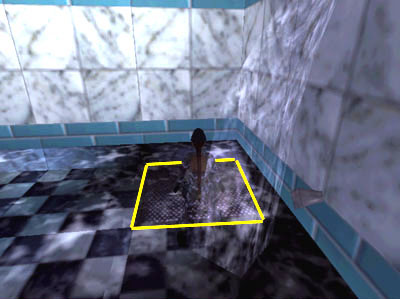
...hugging the wall, to the metal locker against the wall below the control room. Search inside to find a SILVER KEY (1) (82/239).
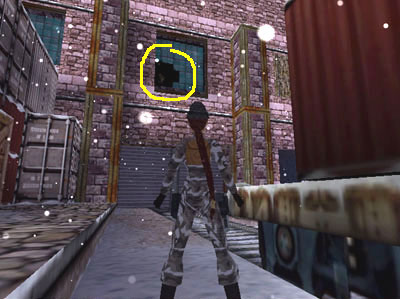
Turn around (to face away from the locker) and run forward, along the right side of the large stack of crates in the middle of the room...
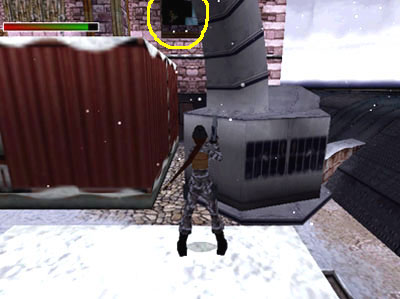
...and on toward the big roll-up doors on the far wall.
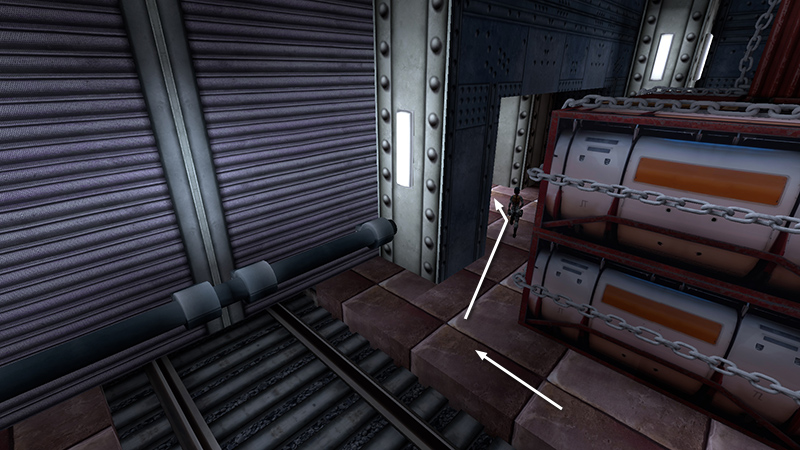
When you reach the far wall, turn right, and move behind another stack of crates into the doorway.
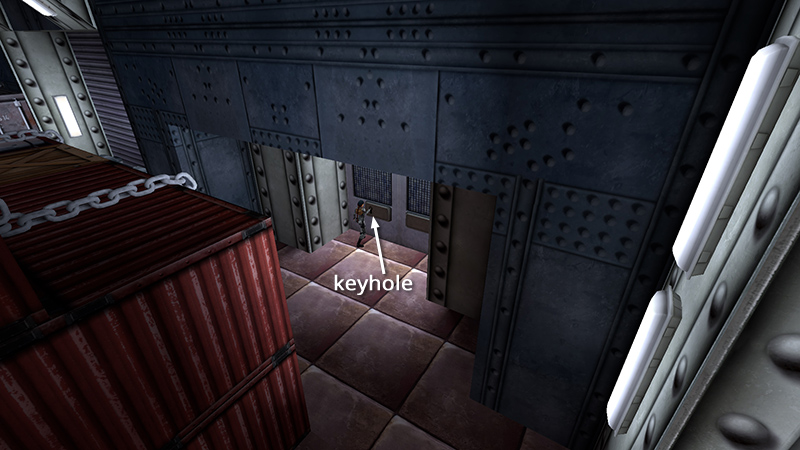
Use the SILVER KEY in the keyhole set into the left door to open it.
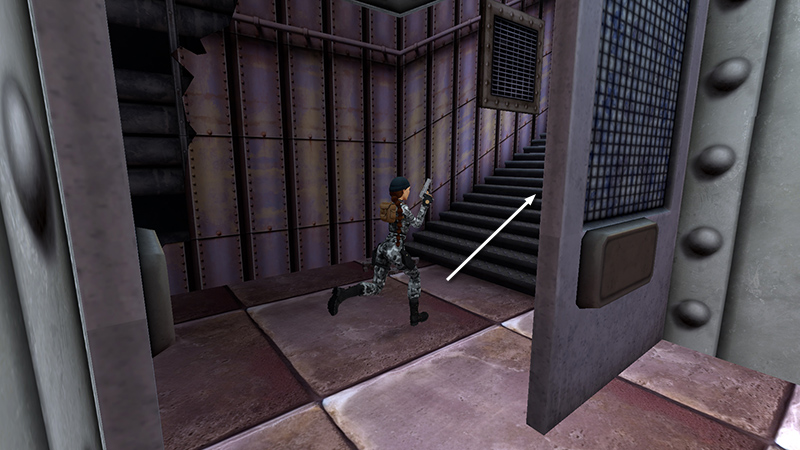
Enter and go upstairs to a SECURITY OFFICE.
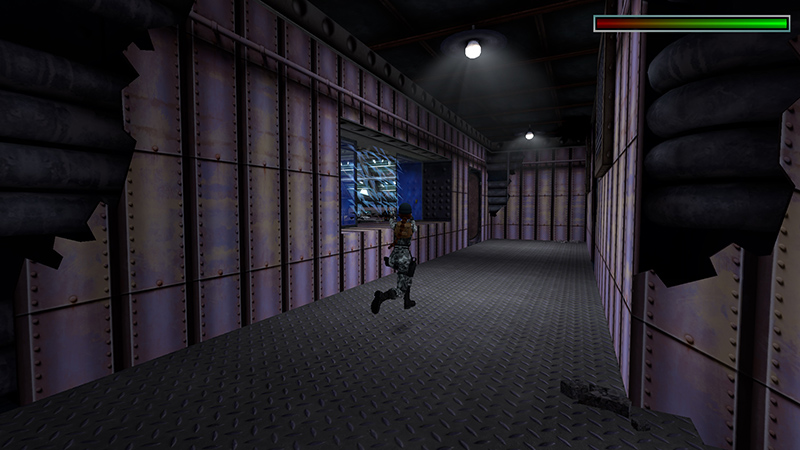
Shoot at the 2 soldiers (1-2) (17-18/62) through the window.
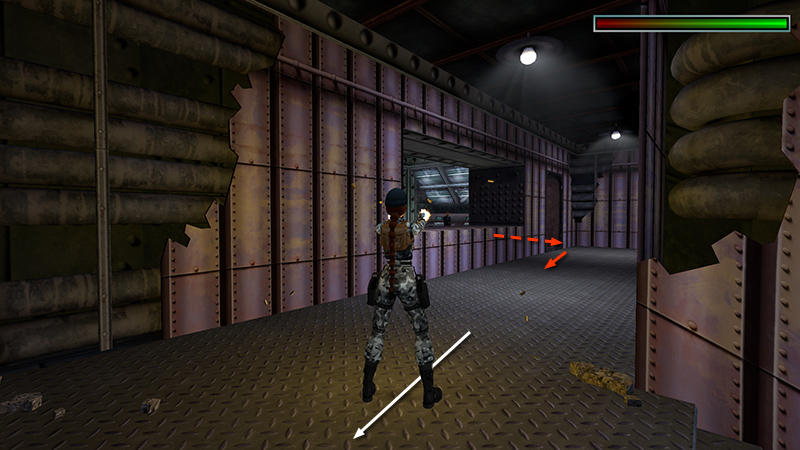
Then back up along the hallway so they're less likely to return fire.
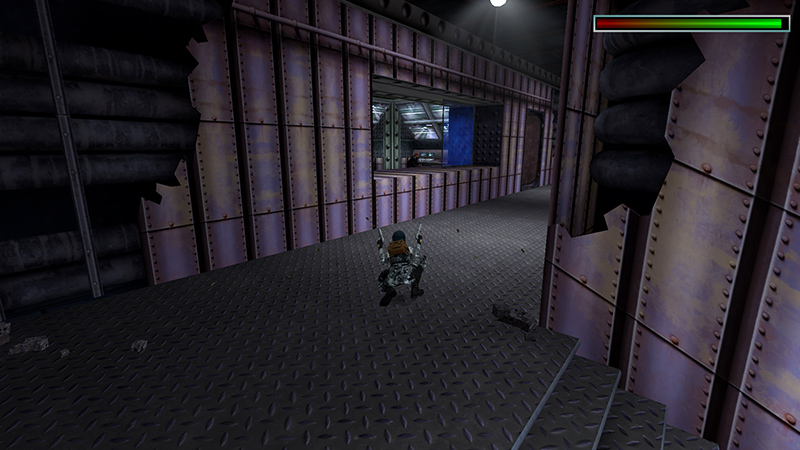
You can crouch below the window to avoid being hit. Then stand and shoot.
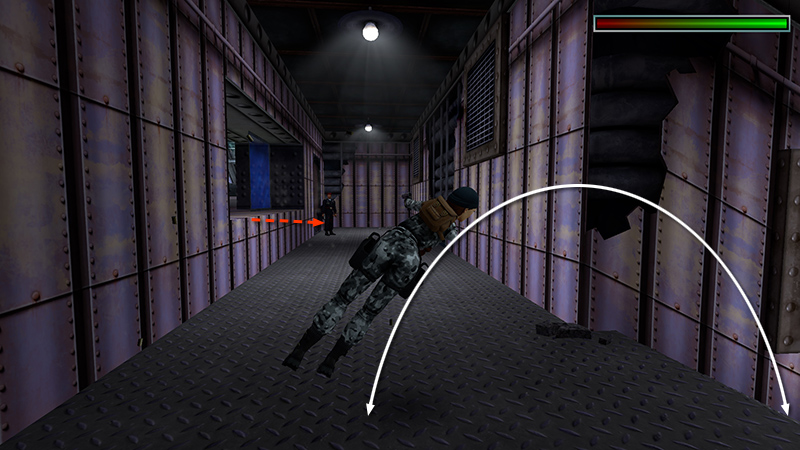
Or wait for them to emerge, get a pistol lock, and fire while flipping back and forth from stairs to corridor, like you (maybe) did when fighting Larson in Rome.
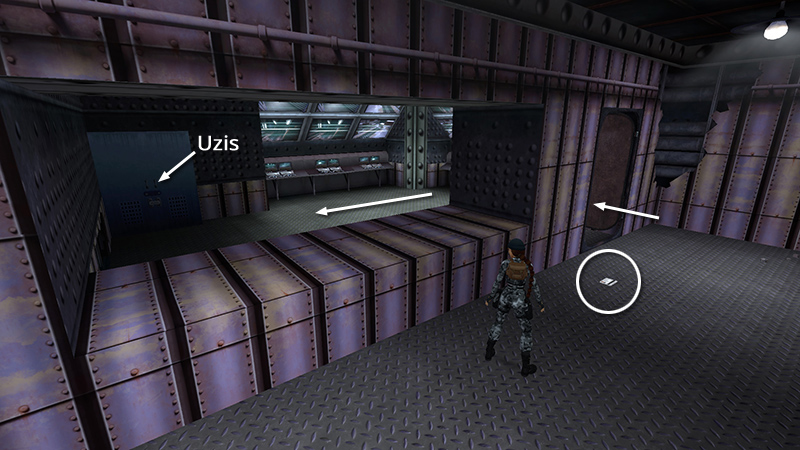
One soldier drops a SWIPE CARD (2) (83/239) when he dies. You'll also find the UZIS (3) (84/239) in a locker inside the office.
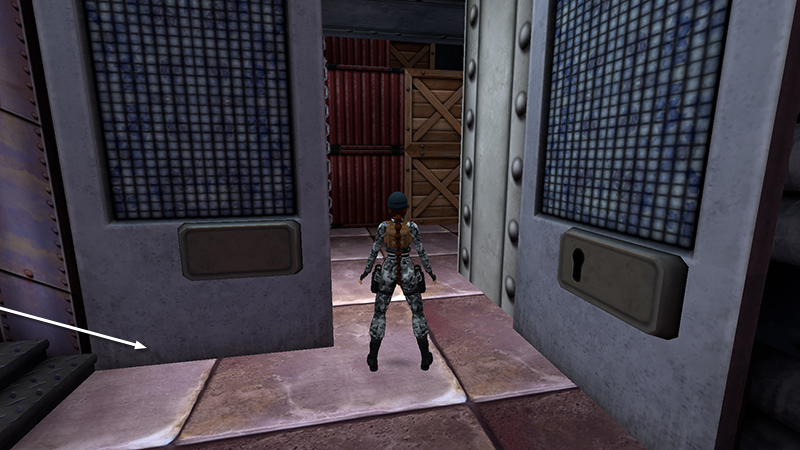
Return downstairs to the WAREHOUSE.
[Next | Base Walkthrough]
DARK MODE: I plan to add optional dark mode for these pages, but my current priority is updating the walkthroughs. Meanwhile, may I suggest a reputable dark mode browser extension, such as Dark Reader? (Download only from trusted sites, like darkreader.org or your browser's web store.)
Walkthrough text and diagrams copyright © Stellalune (email ). Feel free to copy or print this walkthrough for personal use. By all means, share it with friends, but please include this credit line so people can send me their feedback. No part of this walkthrough may be reproduced on another site without permission.